
While you are away
Alerts
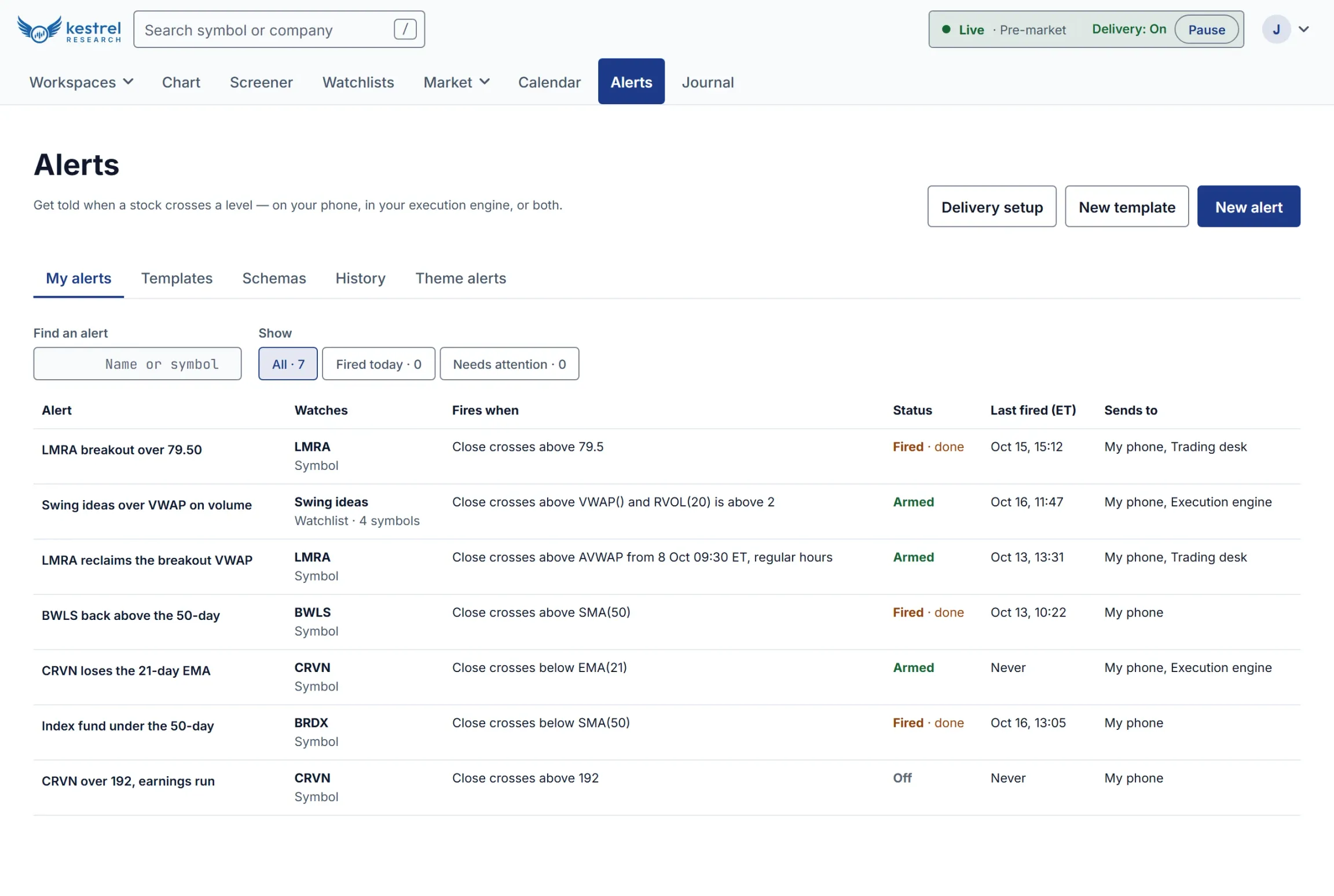
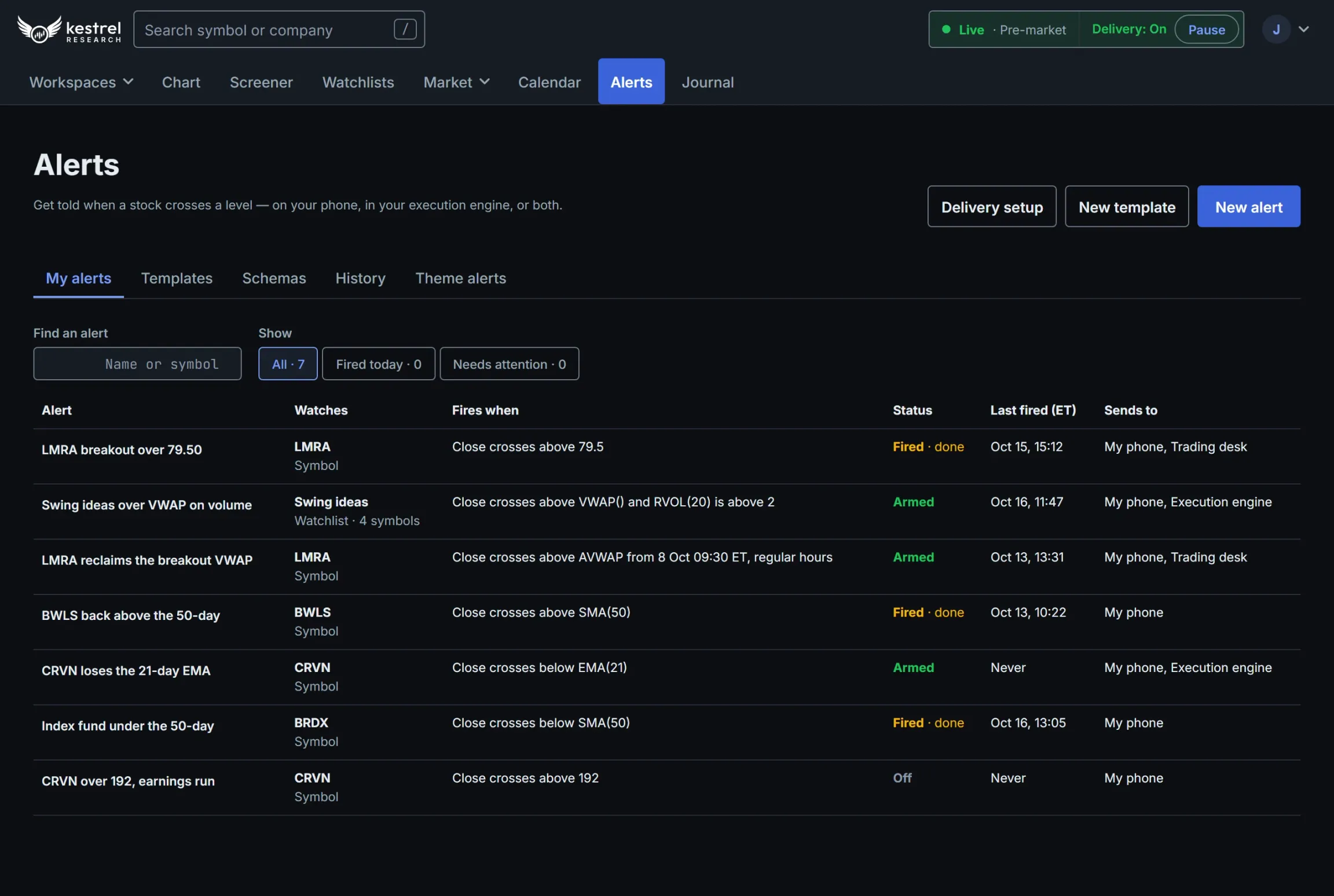
Get told when a price or indicator crosses a level, on one stock or a whole watchlist, by webhook, push notification or a signal to your trading desk.
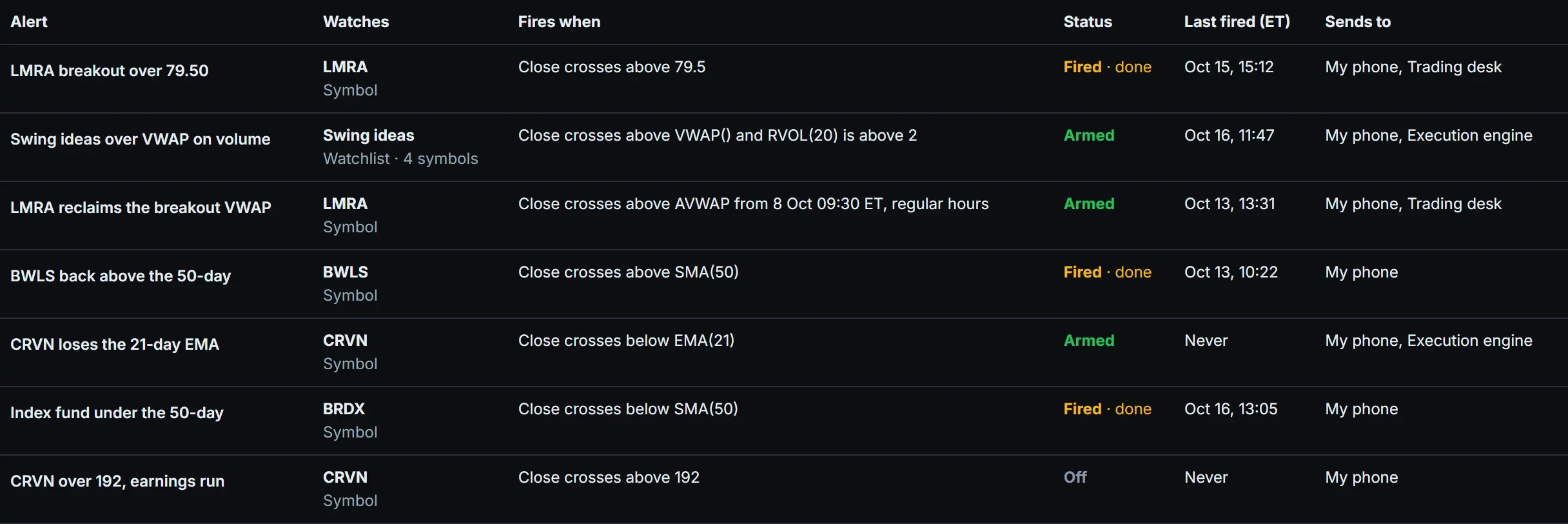
What fires an alert
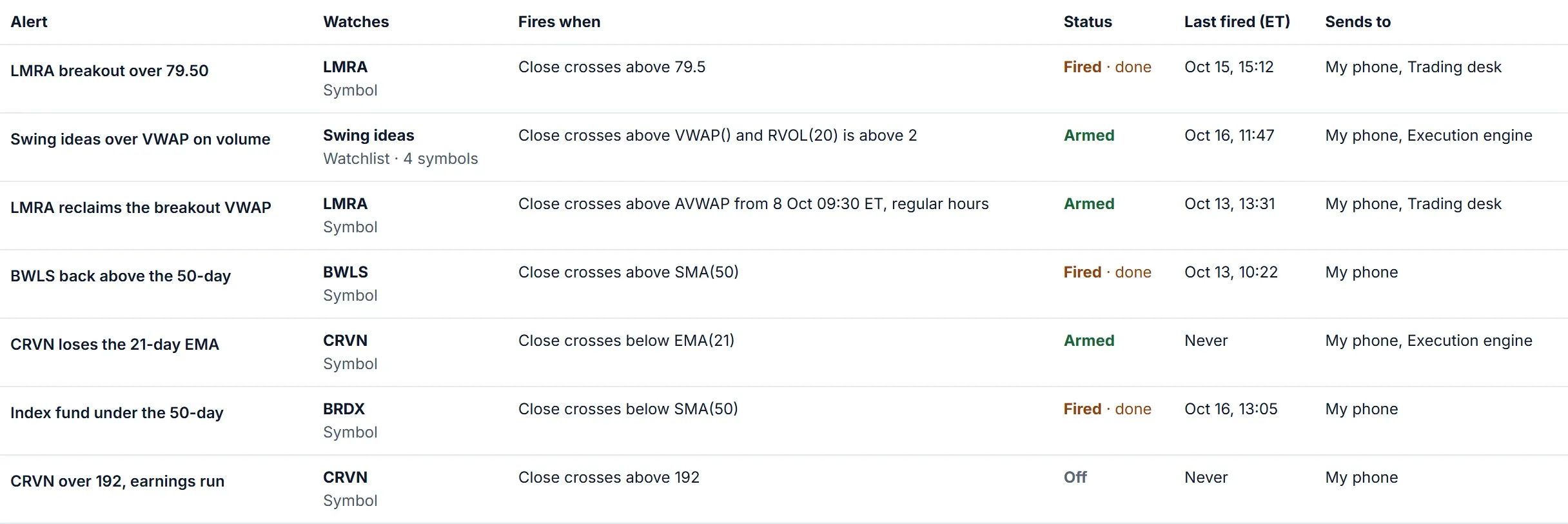
- A price or indicator crossing above or below a number or another measure, using the screener's own data points.
- Extra conditions that must also hold, built just like a screen.
- An anchored VWAP on your chart: create the alert from the drawing, and it follows the anchor when you move it.
- It fires on a fresh cross, not while the price sits past the level.
What it watches, and when
- A single stock, or every stock on a watchlist, each checked on its own.
- During regular hours, or regular and extended hours.
- Once, or every time it crosses, with a wait between alerts and a cap per day.
- Templates: start alerts from one, and update every alert that follows it in one save.
How it reaches you
- Signed webhooks, with your own headers and a request body you design and preview.
- Push notifications to your phone, through your own push notification account.
- Signals to your trading desk.
- A test send for every destination.
Your alerts and their history
- Search and filter your alerts, and turn any one off or on.
- A history of alerts and changes, with each delivery's result and the reason when one fails.
- A notice when a delivery fails, and a link from an alert to the trade you took in your journal.
- Theme alerts: one message after each close about the themes, sectors and industries you follow.
Screenshots are of the product itself, with made-up companies and prices.